
WPForms Quiz Addon v1.5.0 - WordPress Plugin
WordPress Quiz Plugin Build Quizzes That Turn Answers Into Leads Create graded tests, personality quizzes, and scored assessments right inside WPForms.
Same brand
More from WPForms
WPForms Pro - The World's Best Drag & Drop WordPress Form Builder
by WPForms
WPForms is the best WordPress contact form plugin.
WPForms PDF Addon - WordPress Plugin
by Umair Majeed
Would you like to generate professionally formatted PDFs from your form entries?
WPForms HubSpot Addon - WordPress Plugin
by WPForms
The WPForms HubSpot addon lets you send leads from WordPress directly to your HubSpot CRM.

Related items
Related Forms Plugins
Gravity Forms - The Best WordPress Form Plugin
by Rocketgenius
The Easiest Tool to Create Advanced Forms for Your WordPress Powered Website.
Fluent Form Pro Addon - Fastest & Most Powerful WordPress Form Plugin
by WPManageNinja
WP Fluent Forms Pro addon is the premium addon to fastest and most intuitive plugin for WordPress form building.
Formidable Forms Pro - WordPress Form Builder
by Strategy11
Customizable You have complete control over what your views look like and how they behave with Formidable Forms Pro Sortable Easily display your form entries, then sort them or make them searchable.
WordPress Quiz Plugin Build Quizzes That Turn Answers Into Leads Create graded tests, personality quizzes, and scored assessments right inside WPForms. Capture leads, segment your audience, and personalize results with zero code (and no per-lead pricing). Conditional Outcomes Beautiful Analytics AI Quiz Generation Pre-Built Quiz Templates 13,427 Reviews 4.8 
 Quiz Ideas for Your Industry From lead qualification to product matching, here are a few high-impact quiz ideas to try.
Course Assessments Test what students have learned. Auto-grade. Show instant feedback. Track who passed and who needs help. Product Recommendations “Which product is right for you?” Guide visitors to the right purchase with a personality quiz. Lead Qualification Score prospects before they hit your calendar. Route hot leads to sales and nurture the rest.
Employee Training Onboard new hires with knowledge checks. Track completion. Identify gaps before they become problems. Service Matching Help visitors find the right plan, package, or tier. Reduce support questions by guiding them to the right fit. Engagement & List Building Quizzes get shared, completed, and converted at rates static forms can’t touch.
AI-Generated Quizzes Generate complete quizzes with questions, answers, and outcomes in seconds.  Don’t Start From Scratch Describe what you need in plain English, WPForms AI builds the rest. Al generates the complete quiz: Questions, answer choices, scoring logic, and outcomes. Ready to customize or publish immediately. Built to work seamlessly with WPForms — no extra tools required.
See WPForms AI in Action One Addon. Three Quiz Types. Zero Code. Pick your quiz style and build it right inside WPForms. Publish quickly, collect results, and use the answers to guide what happens next. Trusted by 6,000,000+ WordPress sites.  Graded Quizzes Test Knowledge. Score Automatically. Perfect for: Course assessments, employee training, certification tests, and classroom quizzes.
Show full descriptionShow less
Auto-grading Time limits Instant feedback with explanations Pass/fail thresholds  Personality Quizzes Match Visitors to Outcomes. Perfect for: Product recommendations, “What type are you?” engagement, and service matching. Unlimited personality types Custom result messages Page redirects by outcome Built-in lead capture
 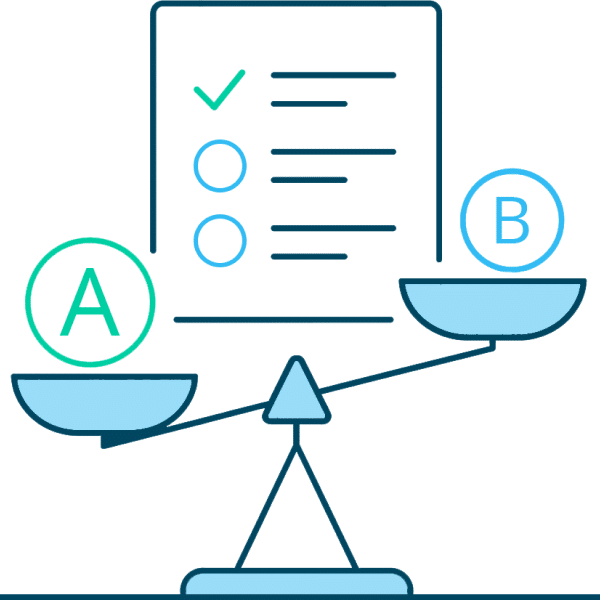 Weighted Quizzes When Some Answers Matter More.
Perfect for: Lead qualification, readiness assessments, risk scoring, and pricing recommendations. Flexible point values (0-99) Score range outcomes Lead segmentation Qualification scoring Build. Capture. Analyze. WPForms handles the technical complexity so you can publish quizzes fast, collect results, and act on what people have answered. 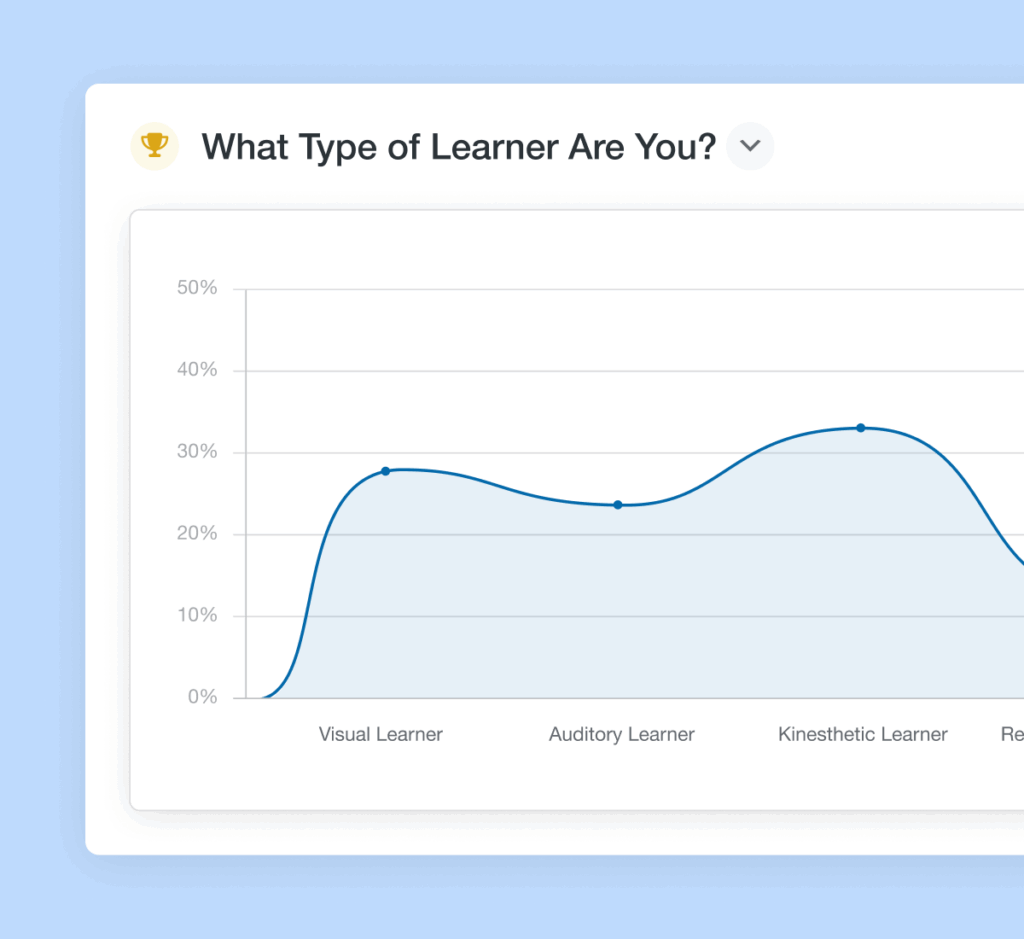 Beautiful Results at a Glance View detailed quiz performance with our redesigned results dashboard that makes analyzing responses effortless and visually engaging.
Customizable graphs with multiple chart styles Filter by score range or completion status Export results as JPEG or PDF files Save custom views for recurring reports Get more from your data, easily Capture Emails Before Revealing Results People want their quiz results. That’s your leverage. Gate results behind email capture Sync leads to your CRM with scores attached Trigger email sequences based on outcome Tag contacts for segmentation Turn curiosity into qualified leads  The Best WordPress Drag & Drop Form Builder Plugin Create and publish forms in minutes… What are you waiting for?
Get Started Now With Ready-Made Quiz Templates Don’t want to spend time creating a quiz from scratch? No problem! Get access to a selection of ready-to-use quiz templates with questions, answers, and outcomes already configured. Product Recommendation Quiz Customer Service Style Quiz Learning Style Assessment Business Readiness Quiz Personality Type Test Knowledge Assessment Lead Qualification Quiz Career Path Finder Skill Level Test Customer Satisfaction Survey Training Evaluation Health Assessment Quiz Investment Risk Tolerance Marketing Strategy Quiz Design Style Finder Service Package Matcher Works With The Tools You Rely On Send quiz leads where they belong — Email marketing, CRMs, and automation tools you already use. 




 Quiz Addon – Frequently Asked Questions Do you have a question about the Quiz addon?
See the list below for our most frequently asked questions. If your question is not listed here, then please contact us. How do I create a quiz in WordPress? To create a quiz in WordPress, first download the WPForms plugin if you haven’t already, and install it along with the Quiz addon. WPForms comes with 2,000+ customizable form templates, including ready-made quiz templates, to get you started quickly.
Do I need coding experience to use the WPForms Quiz addon? No coding experience is required to create quizzes with WPForms. Our drag-and-drop builder is designed to be intuitive and user-friendly, and our AI quiz generator can build complete quizzes in seconds. Pre-built quiz templates are also available and ready for you to customize or use right out of the box.
What types of quizzes can I create with WPForms? You can create three types of quizzes with WPForms: graded quizzes with correct answers for knowledge assessments, personality quizzes that map answers to custom outcomes for engagement and lead generation, and weighted quizzes where each answer has a point value for nuanced scoring. Use cases include product recommendations, skill assessments, lead qualification, training evaluations, and more.
Can I customize the look and feel of my quizzes? Yes, you can fully customize the appearance of your quizzes. Change colors, borders, button styles, and layouts to match your brand. Add custom CSS for complete design control, and customize results graphs with different chart types and colors. How can I integrate quiz forms into my WordPress website?
Integrating your WPForms quizzes is simple. When you publish your quiz, you have the option to create a new page or embed it in an existing page. You can also embed quizzes manually as a WordPress block or with a shortcode. Can I collect user data with WPForms quizzes? Yes, you can collect user information by adding fields like email addresses or names to your quizzes.
This allows you to capture leads and personalize follow-up communication based on quiz results and user responses. Are there quiz templates available to get me started? Yes, we offer a variety of pre-designed quiz templates for common use cases. You can use these templates as a starting point and customize them to meet your specific needs. Our AI quiz generator can also create complete custom quizzes in seconds.
Can I export quiz data to other tools or platforms? Yes, you can export quiz data and results as CSV or XLSX files for further analysis. Quiz results can also be exported as JPEG or PDF files with customizable graphs. Connect quiz submissions to your CRM, email marketing tools, and other platforms through WPForms integrations.
Recent releases
Release history
- Form Builder now flags quiz fields missing a correct answer, personality type, or answer weight, and warns before saving when quiz settings are incomplete.
- The Graded Quiz results graph now reads from the lowest grade range on the left to the highest on the right, matching the Weighted Quiz graph.
- Graded Quiz answers were scored incorrectly when the Show Values option was enabled for a choice field.
- The `{all_fields}` smart tag was not replaced with `{quiz_outcome}` in notification messages when toggling the quiz on or off if the tag had parameters, e.g. `{all_fields exclude="4"}`.
- Spacing was missing between the notification text and the Quiz Outcome in HTML email notifications, making them hard to distinguish.
- Survey Reporting could be enabled for fields excluded from the Quiz while the Quiz was active, causing both Quiz and Survey charts to appear on the Entries page.
- The form displayed the Quiz personality title on the frontend after the Quiz Addon was disabled, instead of the original form title.
- The selected value of the last choice was reset when adding a new option in the Personality Quiz.
- The Quiz Outcomes Type dropdown listed all quiz types instead of the form's selected type in Safari and Firefox.
- Enabling Include in Quiz Scoring for a choice field deleted incompatible options, such as Add Other Choice and Dynamic Choices, without warning or a way to undo it.
- A grade added through the AI form editor could land on the wrong row of the grades table, and existing grades could shift rows.
- The AI form editor could enable the Quiz while the GDPR Disable User Cookies setting was active, which left the quiz form unable to work on the frontend.
View changelog
- Compatibility with the Smart Form Editing feature.
- The minimum WPForms version supported is 1.10.1.
- Smart Tags icon was missing from the TinyMCE toolbar in the Graded, Personality, and Weighted Outcome message editors.
View changelog
- The minimum WPForms version supported is 1.10.0.
- compatibility with the WPForms Conversational Forms addon.
- compatibility with the WPForms Lead Forms addon.
- Confirm button was not clickable for Graded Quiz forms embedded in Elementor popups.
- The Quiz Addon notice was still displayed in the Form Builder after disabling the Quiz Addon for a form.
- Quiz questions were not displayed in exported PDF or JPG files when the "Questions Only" or "Outcome + Questions" export filter was enabled.
- Turn off Conditional Logic on Quiz Outcomes after Quiz Type is changed, and no valid rules exist.
- Quiz Outcomes UI for AI-generated forms was not loading the Outcome Message field correctly in Safari and Firefox.
- Page Break repositioning after Progress bar updates disrupted Quiz form structure.
Frequently asked questions
Is WPForms Quiz Addon GPL licensed?
What is the latest version of WPForms Quiz Addon?
How much does WPForms Quiz Addon cost on GPLCoffee?
Which WordPress and PHP versions does WPForms Quiz Addon support?
Is WPForms Quiz Addon safe to download?
Auto-updates included
Install it once, update automatically.
The GPLC Connector installs this plugin from your wp-admin and rolls out new versions to your connected sites. Included with every membership plan: 10 to 40 connected sites depending on the plan (Lite 10, Pro 20, Geek and Lifetime 40).